Step 1: Login to your niyam.exchange
Step 2: Click on wallet button at the top, then select INR wallet followed by INR deposit
Step 3: Select the mode of the payment you want to choose (UPI or Instant)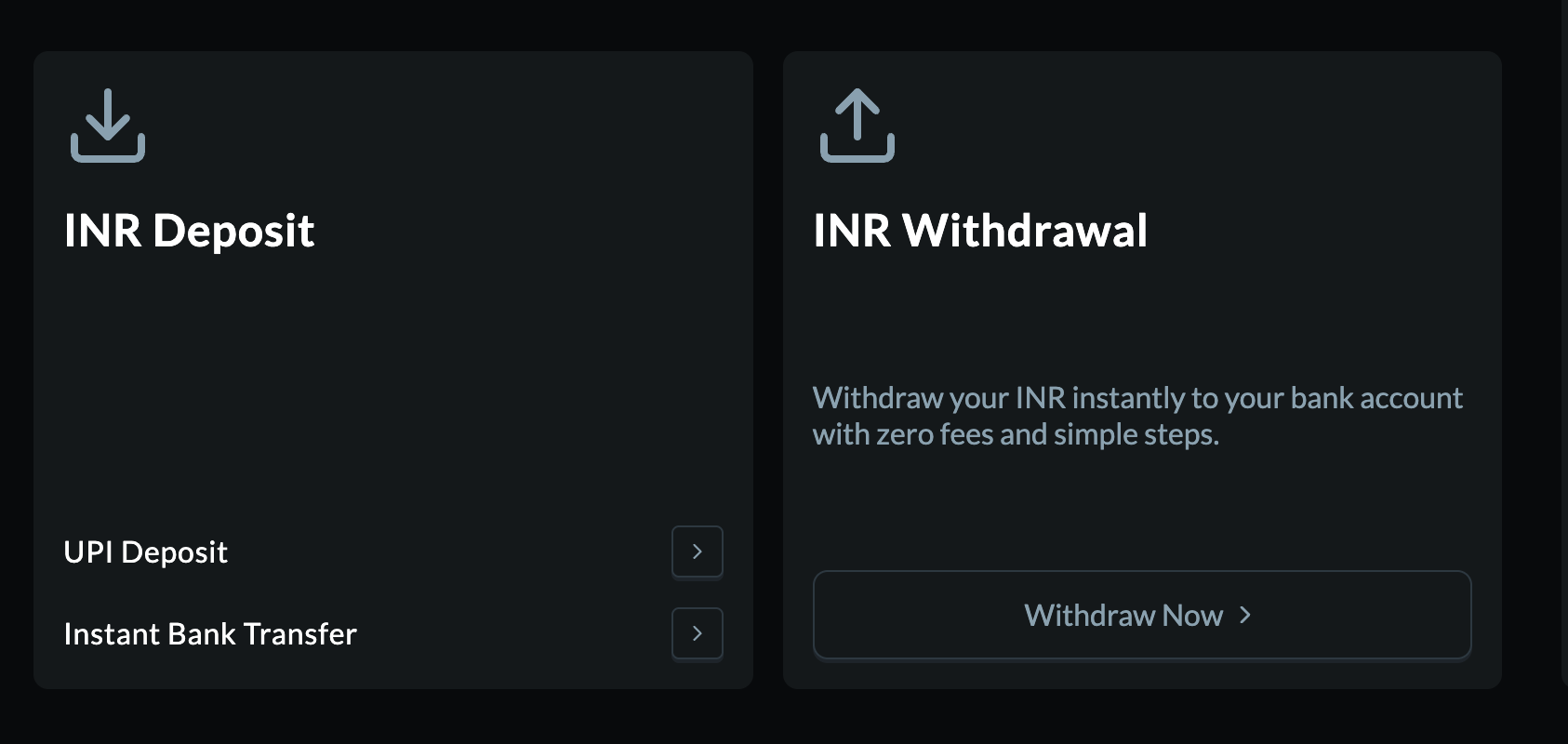
Step 4: Understanding Instant Bank Transfer With Instant Bank Transfer: A nominal fee of 0.1% per transaction is applied.(avoid NEFT to prevent issues).
The minimum deposit is Rs. 200. Transactions are processed in less than 2 minutes.
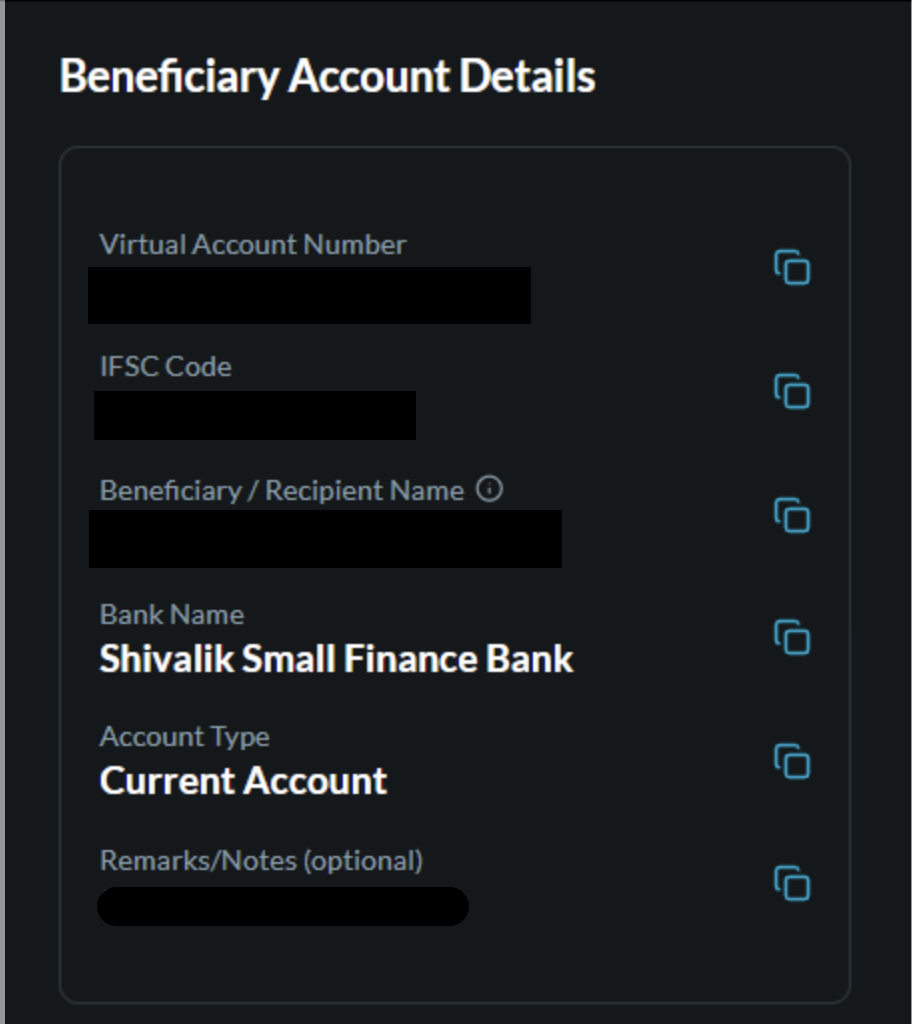
Step 5: "Virtual Account Details" In the 'TO' section: You'll see your unique virtual account details, including the bank name (Virtual Bank) and your unique virtual account number.
Was this article helpful?
That’s Great!
Thank you for your feedback
Sorry! We couldn't be helpful
Thank you for your feedback
Feedback sent
We appreciate your effort and will try to fix the article