Step 1 – Open the Niyam Exchange app and log in with your registered details.
Step 2 – Go to the My Profile section.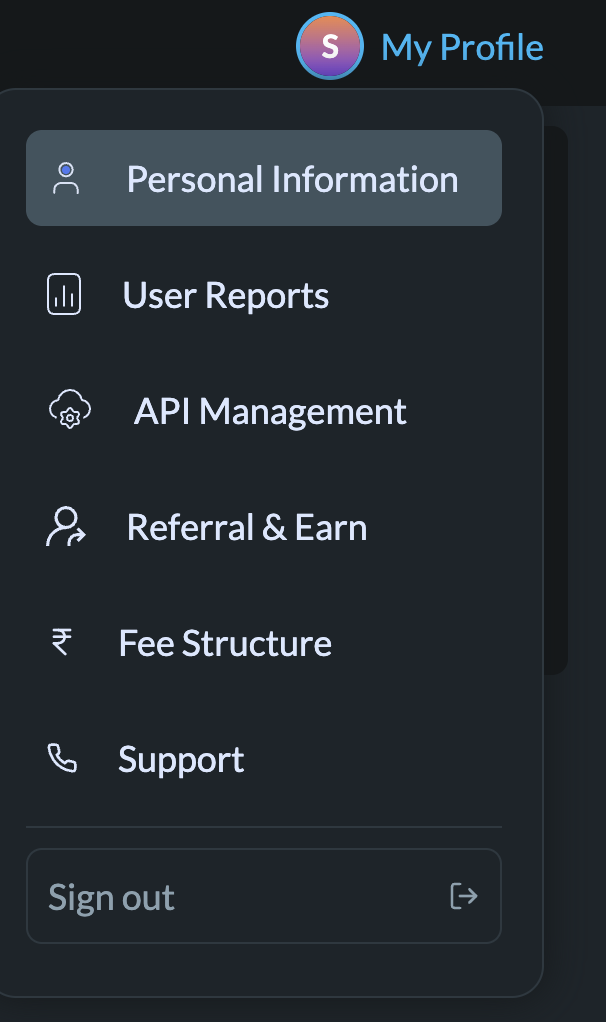
Step 3 – Scroll down, Click on Bank Details.
Step 4 – Select the bank account you want to remove and click on Delete.
Note: The same bank account cannot be added more than once.
Step 5 – Add your new bank details with accurate information. Once the penny drop verification is completed, your new bank account will be successfully updated.
Was this article helpful?
That’s Great!
Thank you for your feedback
Sorry! We couldn't be helpful
Thank you for your feedback
Feedback sent
We appreciate your effort and will try to fix the article